


Download the TCM24 Logopack, Megapack of 70.000 clubs and competitions logos for Football Manager 2024!
Also find 2 updates, Update 24.1 of more than 2000 logos and Update 24.2 of more than 1850 logos for FM24 (download at the bottom of the page).
This is the 11th edition of the TCM Logos Megapack for Football Manager.
After more than 4,5 Millions downloads between 2014 and 2023, we want to offer more!
Adopt the brilliant TCM24 Logo megapack for Football Manager 2024 by TCMLogos.com.
Megapack contents :
232 Nations : 64643 Clubs + 5776 Competitions + 531 Miscellaneous = 70950 LOGOS
Africa : 3601 Clubs – 234 Competitions
North America : 3934 Clubs – 352 Competitions
South America : 4971 Clubs – 306 Competitions
Asia: 7033 Clubs – 920 Competitions
Europa : 44599 Clubs – 3604 Competitions
Oceania : 490 Clubs – 93 Competitions
+ Confederations, Federations, International Competitions & Flags.
Logos present in standard format (200px and 20px) as well as in HD @2x (400px in part and 40px)
Club logos are registered trademarks and/or copyright material owned by the respective football clubs.
This graphic pack is only intended for personal use within the game.


If you have logos to make, two possibilities:
– If there are only a few logos, go to page requests:
https://www.tcmlogos.com/request/
– If there is a lot of logos or if you want to become a contributor, go to contributor page :
https://www.tcmlogos.com/tcm-contributor/
Screenshot TCM24 English in FM24 (click to enlarge) :
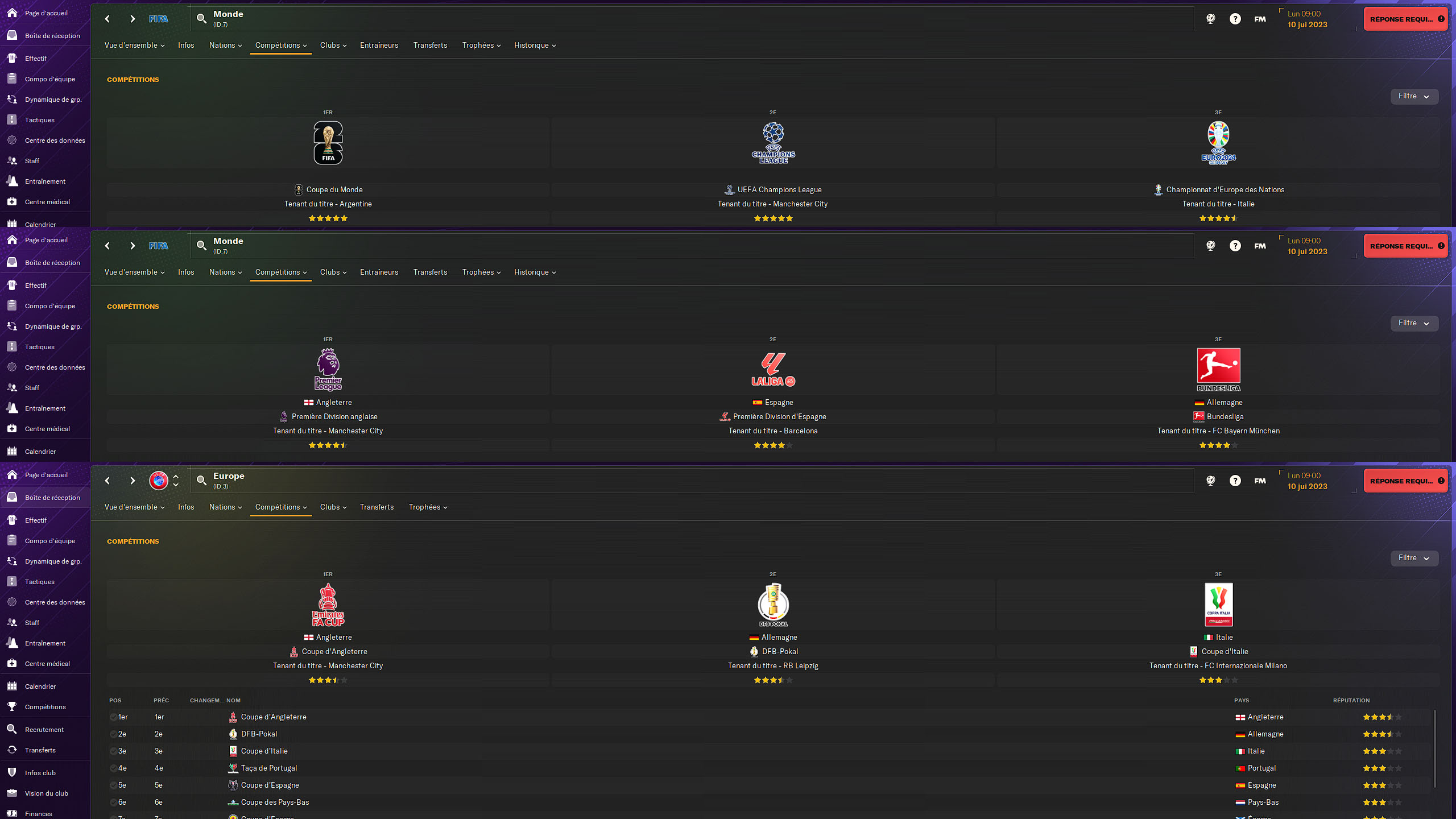 Division ranking – Base Skin
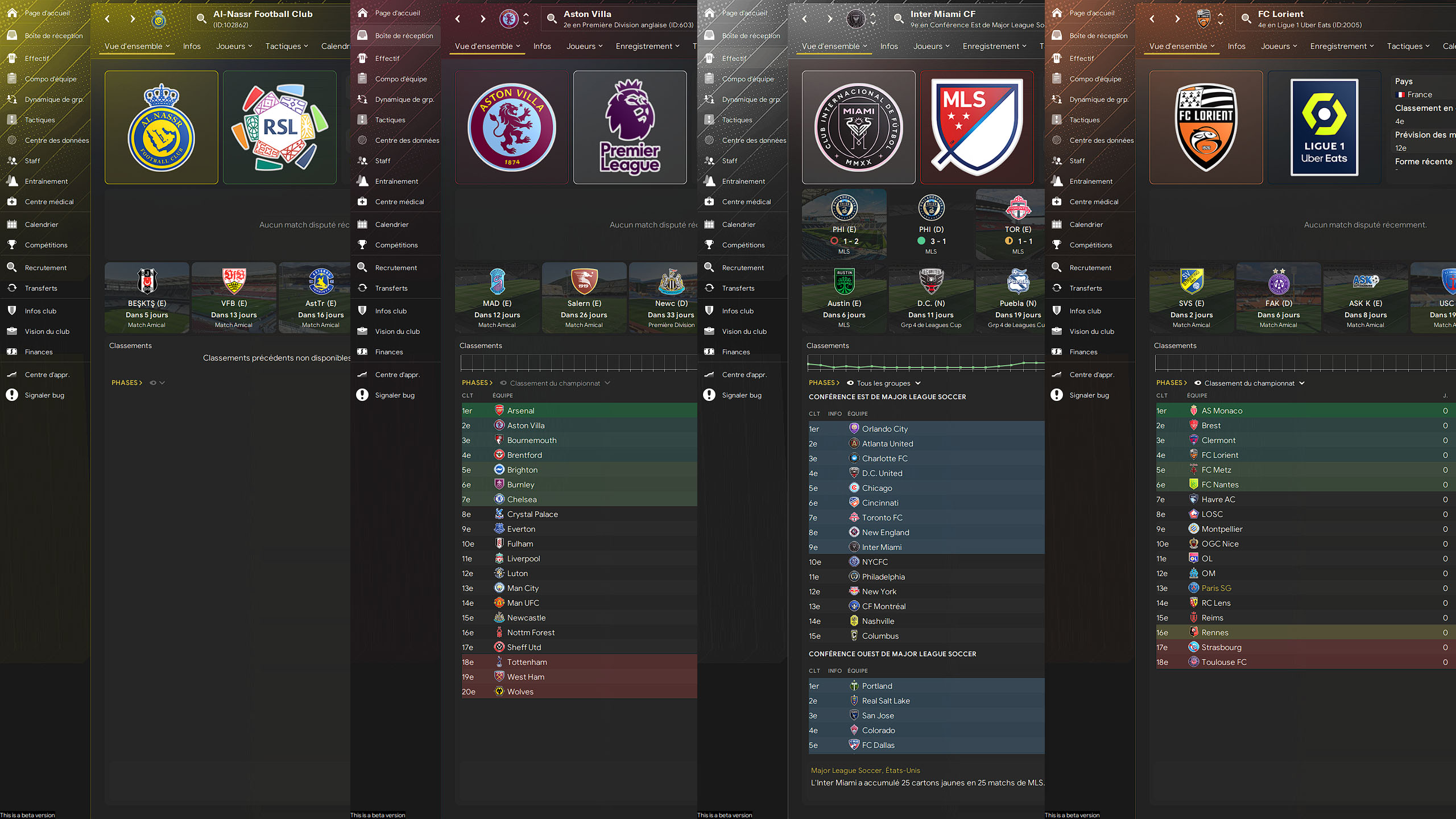 Club overview – WTCS Gold Skin
Greetings :
Developers :
- Kinmar : Enhancing the Template, Development, Hosting (TCM 14-24).
- Thomasom : Creating the Template, Development (TCM 14-15).
- Sualg-Bilbao : Development (TCM 14-16).
- Zecha : Development (TCM 16).
- RBRND : Development (TCM 18).
- Torbin : Development (TCM 18).
Contributors :
TCM24 : Enzu, Gamma022, George, Gfchaza09, JohnTheTall, Julkjulk, Koennerd, Loukas, Marcodoglio94, Marcos, MZ17, Oriole, Skeila, Talal Alsharah, Thomas B., Tuckius, Uros, Vince-Taiwan.
TCM24.1 : Adam.K, Alex.C, Ashley.H, Barry, ChristoLEC, Elcatracho, Eray1914, Gamma022, Jonah_222, Julkjulk, Koen.W, Marcodoglio94, Marcos, MZ17, Oriole, SBK, SebDiex, Thomas.B, Tuckius.
TCM24.2 : Armamaddon, Elcatracho, Enzu, Hrvoje, Julkjulk, Loukas, Oriole, PedroMPB, Tuckius, Vince-Taiwan.
Old TCM : 9rezer, Ahmed, Alfredo, Alon, AndreaLAZIOultras, Anoniem13, Armamaddon, ArturM, BaCplayer, Basa, bdavies26, Borell, Brendan, Broeren, Bussinhoke, cdmafra, Chavez, claytonpadula, Cleuber, Diogo Paiva, Doki, Domi, Dylan, Einherjer83, Ekrem, Franzvinci01, Frimimout, Fronti, Giovy37, Heval, Hrvoje, Humez, Ianvou, Jacob, Jayden, JesperBN, Julian, Kamil, Kartvel, Kostas_Panachaiki, Kristo, Loic, Lucas, MaartoV, Maestro, Mahdi (Mój Football Manager), Makiawelli_leg, MatheusMux, MrBankzy, mrsmiis, Necjeff (DF11 Faces), Nikolay, Ningxi, Nuno Santos, nxtfuture, Pappeldrache, Patres10 (FMSlovakia – FC12 Kits), Patrick, Paul_13, Pazzoman, Pedro, Pierre-Jean, Rafael, Ramoscu (FMTurkiye), RBRND, Rebecca Carson, Rein, Renato, Rivanov, Rmorgan93, Rob, Segmann, Sh@rk, Spartacus23, Spix22, Stathis, Steinbolt, STeRODeF, Tapioca, Theodor (@e_spurs_norway), Thewes, Torbin, Unknown47, V-Toll, Walleski, Weiry, Wutzwz.
Partner Website :
DF11Faces, FM Base, FM Inside, FM Site, FMSlife, FM Slovakia, Football Manager Stories, Mój Football Manager, Passion4FM, Sortitoutsi.
1,350,806 downloads
Megapack : 70950 Logos (HD @2x included) + Update 24.1 (2036 Logos) + Update 24.2 (1852 Logos)
Warning: Any dissemination of one of the download links or the “Download” page is prohibited.
Only English and French official pages are allowed.

why are there very little spanish logos, not one la liga side have their logo
Hi. I guess you downloaded and installed an update and not the megapack before.
I didnt have any “graphics” folder so I created only.
I followed all steps as indicated but still dont have any logos, and eliminated the ones that come default by the game.
PLZ HELP!
You must install the Megapack before the updates (it is mandatory).
There is a lot of negative people that apparently couldn’t be bothered reading your instructions.
Thank you so much for making this, it must have taken a long time and makes the FM experience so much better .
Really appreciated
Thank you for your message
Como faço para baixar as logos? Não aparece o download, poderia me ajudar?
There is a button at the very bottom of the page that will take you to the download page. You have the choice between 2 hosts to download from.
Hello, ive dragged the files to graphics but i cant see the logos when i load my newcastle preset
I invite you to read the installation instructions carefully and if necessary provide me with a screenshot of the installed folders/files.
I was playing with the logos, and when I continue to anther day into the game, the logos did not work any more. I try reinstalling the pack and the game itself but it doesn´t work. My new installation is in other directory and I want to know if there is a play where I can change the directory where the logos must be
I don’t know how your installation is done, but indeed the files must be installed in the right place for it to work.
Hi, I’ve download the megapack and the 2 updates, and most of the badges work. But I don’t have some of the main ones like the premier league or la liga teams, any reason for that? I am using FM23 if that makes a difference
Hello. You must install the megapack first and then the updates by following the installation method on this page.
Hey, can u help me? I download the file 4 times and its says cannot open cause is a invalid file. The update files works fine.
Sorry for the delay in replying.
The megapack having been compressed differently, the windows decompressor does not work. You have to use a tool like WinRar or 7zip for example.
hi will there be an update of the liverpool logo ?
Yes on the next TCM25 Logopack for FM25 ;)
Hi, I’m having a problem with the updates. I installed the megapack and everything is fine, the logos appear and everything. But after closing the game, copying the update folder and installing it, I only get a few logos.
I’m not removing the megapack folder from the graphics folder, inside graphics there are the megapack and the update, and I’m installing one folder at a time. What am I doing wrong?
As explained in the installation instructions, the update must go into the megapack (this will force you to replace the logos to be updated and especially the configuration files. If there is no merge, then only one of the folders (update or megapack) will be taken into account.
i have followed all the steps, i am on Mac. i have added the graphics folder and it still does not work.
Unfortunately, I have no other help to give you, not having any knowledge of the Apple ecosystem. The installation instructions on the page work, so check again.
Hi, my FM24 folder doesn’t have a “graphics” folder; there is only a “skins” folder. When I paste the logos there, they don’t change. Is there a solution for this?
You need to create the “graphics” folder if it is not already done. The Skin folder is a separate folder.
could you please update the logo of cerro porteño de paraguay? thank you very much in advance.
Please go to the requests section (Request). It will then be updated for the TCM25 pack for FM25.
I installed everyhing , did all in preferences , but still logos are not showing to me.
Please follow the following instructions carefully:
– Download and Install the Megapack
– Only then do the 1st update (download and install)
– And only after the 2nd update.
Follow the installation instructions on the official page or in the downloaded folders.
hey, mega won’t allow me to download all of it at one time, do you have the pack on a different site? if so, can i have the link? thanks, keep it up guys!!
You have an alternative Mediafire link if needed (on the download page.)
Hey man, thanks for an outstanding work mate. But im really outraged with mega. You could just simply put it on Google Drive and it would have been saving me and some other a lot of time man. WHY would anyone even choose Mega? Its just outraged and retarded to use it man
I have been using MEGA as the main host for the TCM logopack for years without any problems. There are some limitations in some countries but it is very limited. And that is why there is at least one alternative link provided (here Mediafire, the other link no longer works).
ASTON VILLA NEW LOGO WHERE?
For the next Logopack TCM25
Working On Mobile?
No, it is not programmed to work on Mobile.
I get an error after the download saying that the archive is invalid and get error 0x8096002a
Try to re-download or extract the file compressed by 7Zip or WinRar (not the Windows one)
I downloaded the logo pack and everything but the premier league works? is there something I could’ve done wrong? I can see the logos in their folder the game just wont read them.
Hi. No reason why it shouldn’t work. You have to follow the installation instructions carefully and also install the megapack first and then the updates in order.